


Give your AI agent a wallet. Keep the final say.

Fund one wallet, connect your agent and approve what it buys. Paygent pays merchants by bank transfer, mobile money or card.

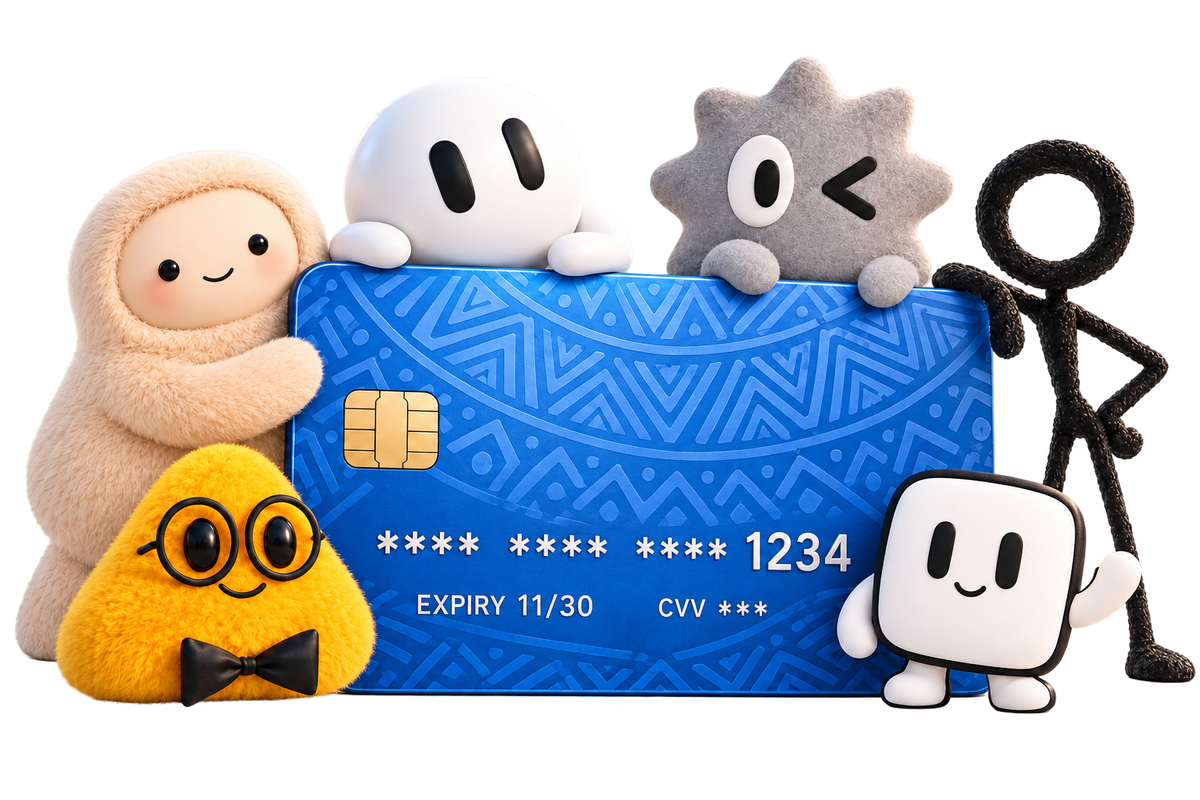
A blue Paygent card with five friendly agent characters gathered around it
  • You approve every payment
  • Agents never see your bank details
  • A receipt for every payment

One purchase, start to finish

  1. 1You askTell your agent what you need, in your own words.
  2. 2It asks youThe agent finds the item and Paygent shows you exactly who gets paid and how much.
  3. 3Paid, with proofApprove with your PIN. The merchant is paid and the receipt is saved.
Your shopping agentInside your agent platform
Buy me a good blender under ₦20,000 and have it delivered to the shop.
Found a 1.5 litre blender at Kitchen Hub Lagos for ₦18,500, delivery included. I have asked Paygent for your approval.
Approve payment
₦18,500.00
ToKITCHEN HUB LTD
MethodBank transfer
For1.5 litre blender
Paid. The receipt is saved and your order number is KH-20417.

From a prompt to the doorstep

Four steps to set up. After that, buying something is one sentence and one approval.

An agent pays from a wallet, the checkout confirms, the order is packed and a delivery van sets off
  1. Step 1Open your walletSign up, confirm who you are and set your approval PIN.
  2. Step 2Add moneyBank transfer, debit card, direct debit or stablecoin.
  3. Step 3Connect an agentCreate a slot, then add its connector address on your agent platform.
  4. Step 4Approve and relaxSay yes to the exact amount. Paygent pays and files the receipt.

Everything an agent needs to pay. Nothing it could misuse.

Pays the way each merchant wants to be paid

Your agent reads the checkout and picks the option on offer. Paygent moves the money from one wallet.

  • Bank transfer to the account shown at checkout
  • Mobile money where merchants use it
  • A virtual card for card-only checkouts
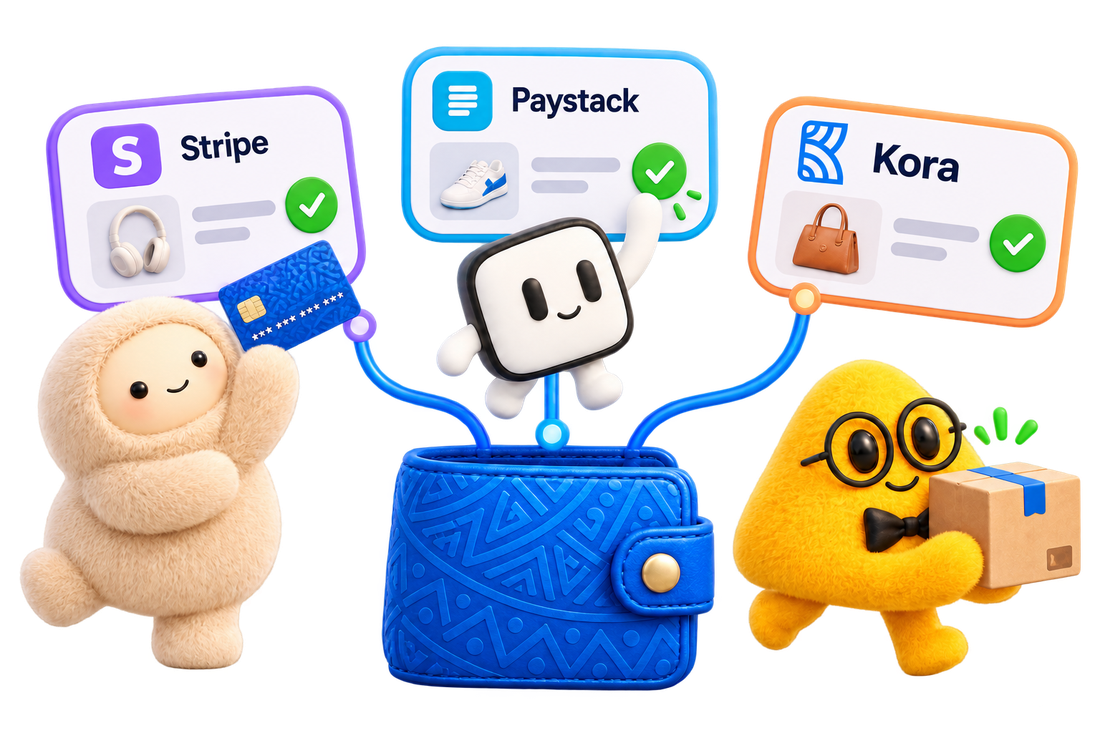
Agents paying at three merchant checkouts from one blue wallet

Fund it your way

Top up in naira or in stablecoin. Your agents spend from the same balance.

  • Your own wallet account number
  • Debit card or direct debit
  • USDT or USDC
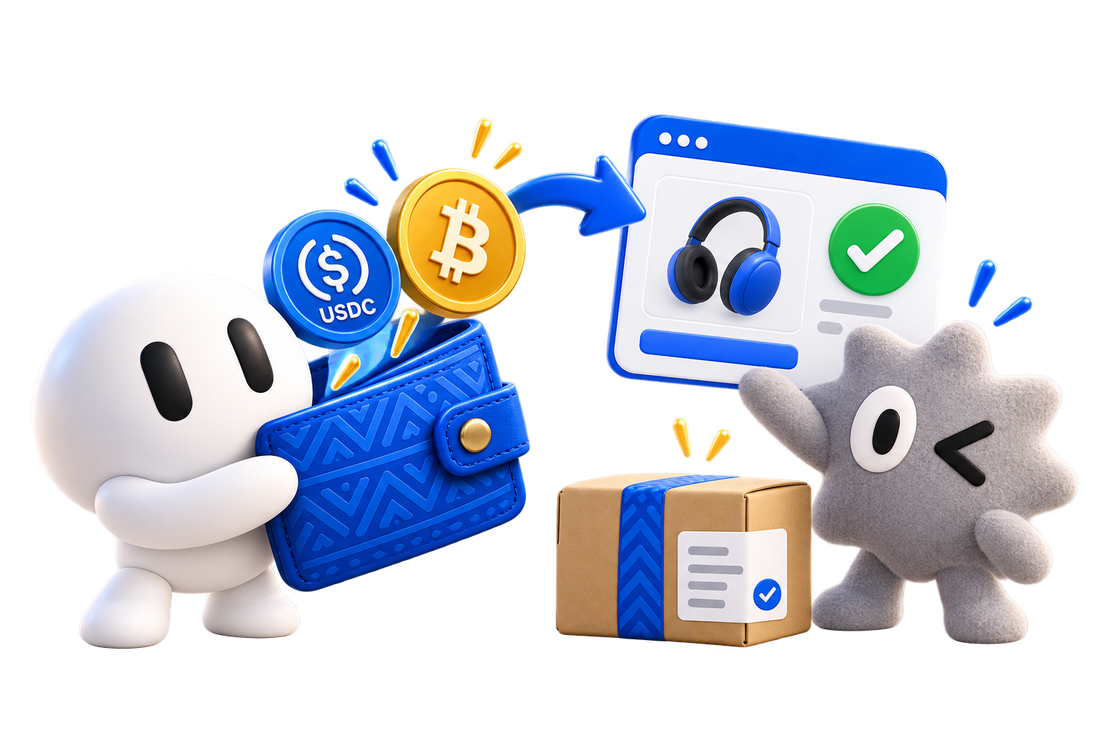
A character funding a blue wallet with coins, then paying at a checkout

Nothing leaves without your yes

Each request shows who is being paid, how much and why. The details lock when you approve.

  • Approve with your PIN
  • Requests expire if you do not answer
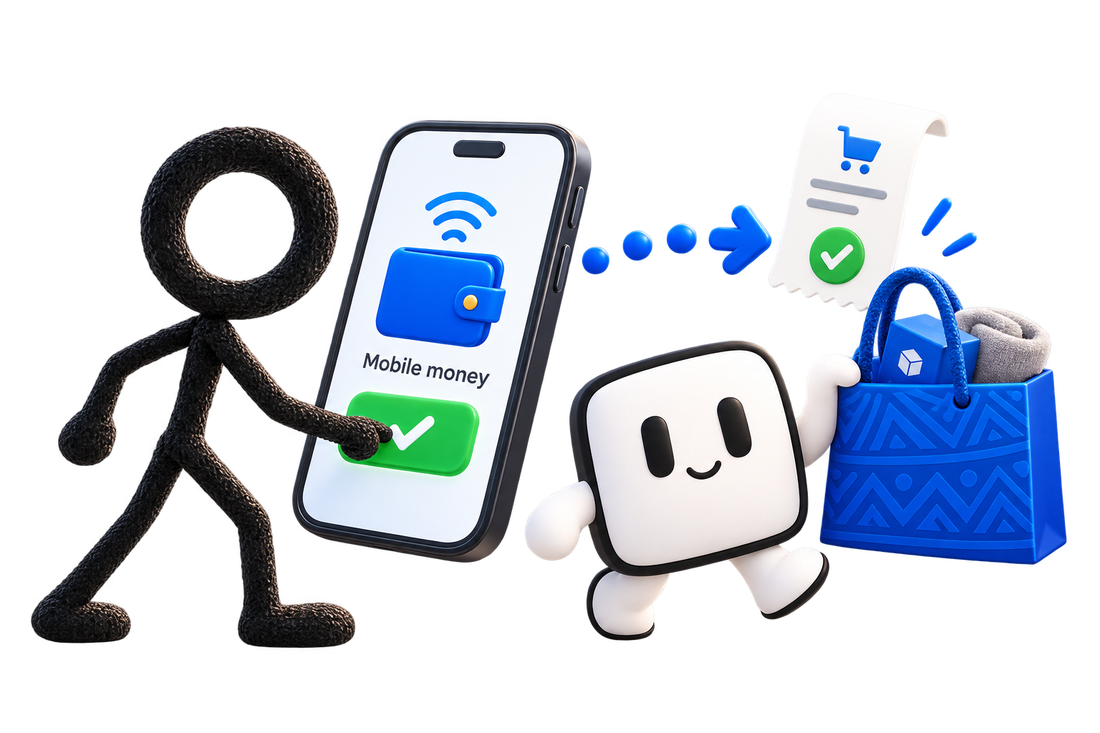
An approval being tapped on a phone, followed by a receipt and a shopping bag

A slot for each bot

Give each bot its own slot and connector address. Disconnect a bot and the slot is free for the next one.

  • A daily limit for each slot
  • Switch each tool on or off per slot
  • Every payment filed under the bot that made it
Two agent characters shopping with a cart and paying with a blue card

Agents can spend. They cannot take over.

The limits live in your dashboard, not in the conversation, so no prompt can talk its way around them.

  • No bank detailsAgents never see your bank login, your own cards or how the wallet is funded.
  • No raising limitsOnly you can change a slot’s daily limit or switch its tools on.
  • No self-approvalAn agent can ask to pay. Only you can say yes.
  • No switchingThe recipient and the amount are locked once you approve.

Questions people ask first

Can an agent spend without asking me?

No. Every payment needs your approval on a Paygent screen, confirmed with your PIN. If you do not answer in time, the request expires and no money moves.

Which merchants can it pay?

Any merchant whose checkout accepts a bank transfer, mobile money or a card. The merchant does not need to know about Paygent.

Does the agent see my bank or card details?

No. The agent only sees what its session is allowed to spend. For card-only checkouts it uses the agent card, which stays empty and locked until you approve a payment.

What happens when I disconnect a bot?

It loses access at once and its slot is free for another bot. Its payments and receipts stay in your dashboard.

How do I take my money out?

Withdraw to your own bank account from the Wallet tab whenever you like.

Your agents are ready when you are

Open your wallet in three short steps, then connect your first agent.

Create your wallet